
Parent App: Getting started.
Your easy to follow how-to guide for Chatstat’s social media monitoring tools
.svg)
Download our parent app:
.avif)

.avif)
Welcome to Chatstat. Let’s get you started.
Chatstat is a social media monitoring tool designed to help protect your loved ones from online risks. This easy-to-follow how-to guide will walk you through each step of using Chatstat, ensuring you make the most of its powerful features. It helps you take a proactive approach to risks like cyberbullying and early signs of distress.
.avif)
How To Set Up Chatstat on your Mobile
Log in to
your account
To begin log in to your account using your username and password. If you don’t have an account, sign up to start your free trial.
.avif)
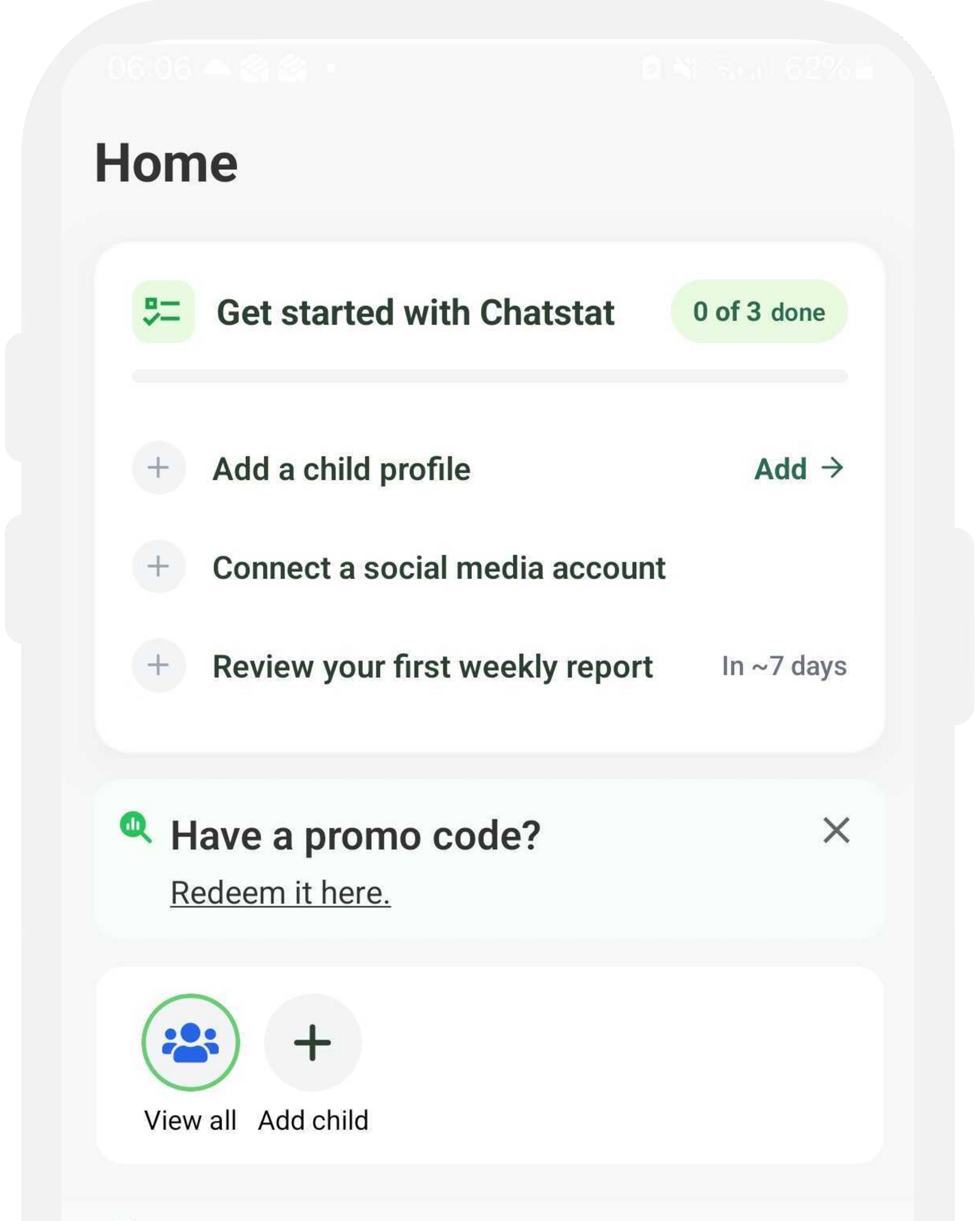
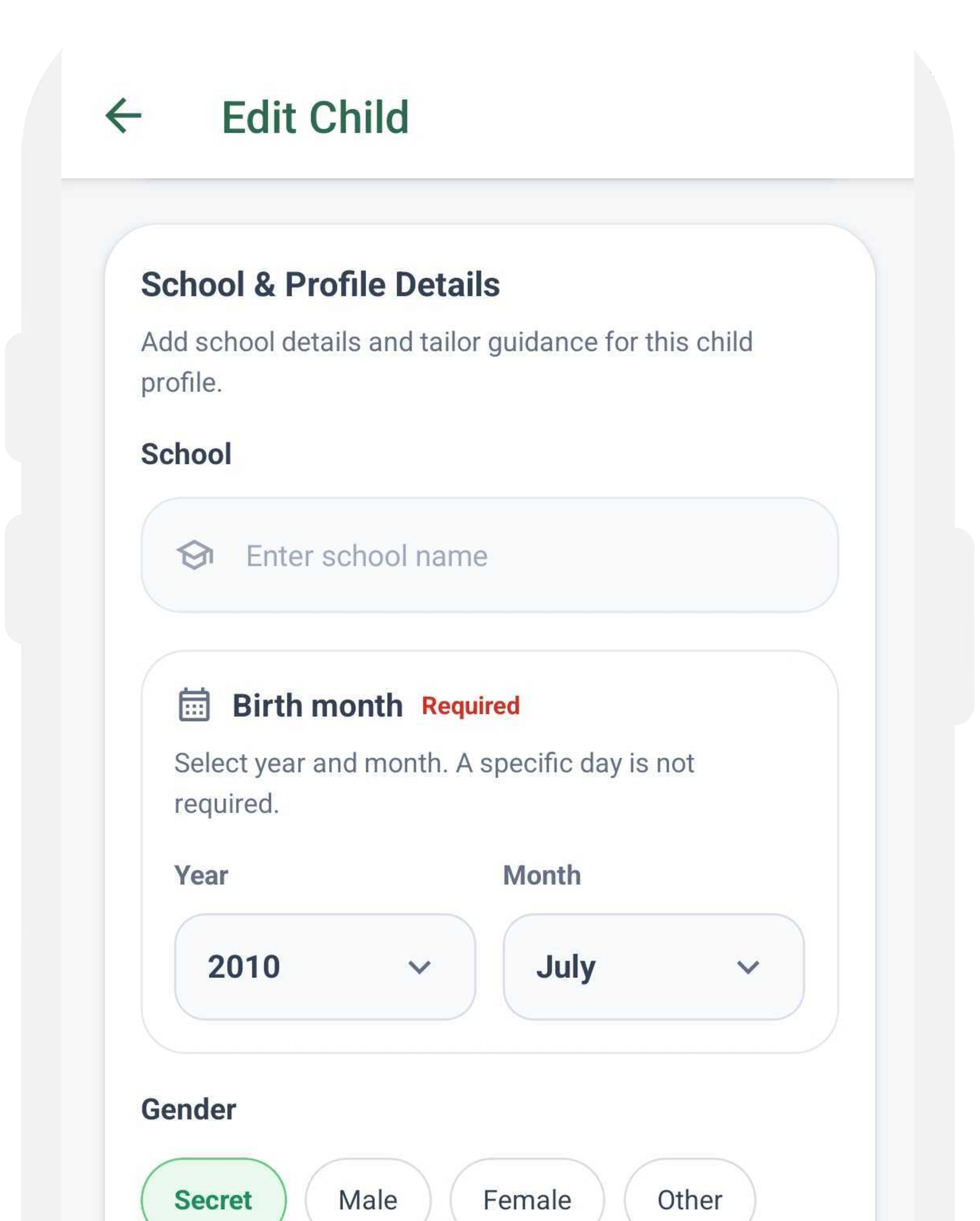
Personalize your account information
Once logged in, enter your details. This information will help create a personalized monitoring experience tailored to your needs.
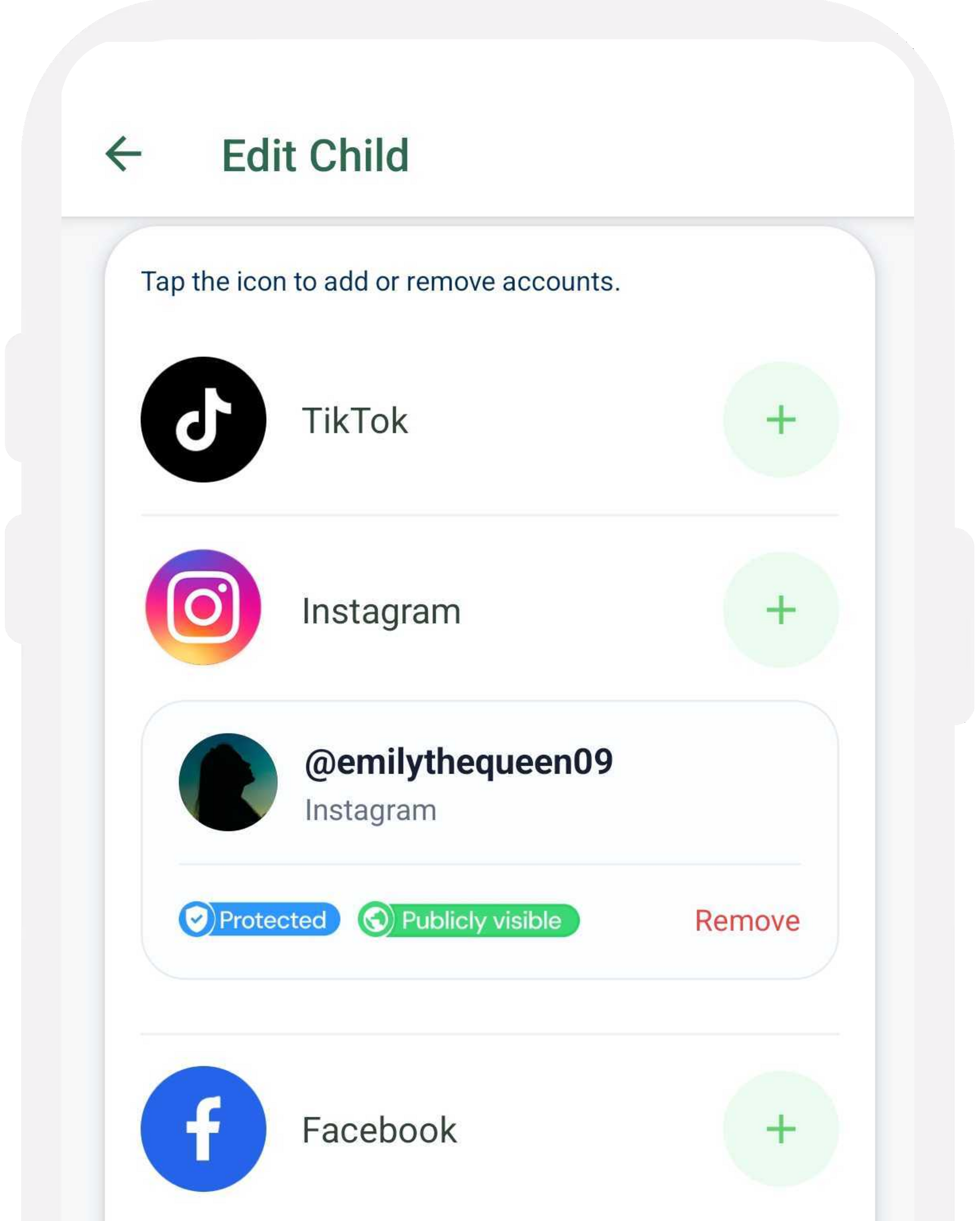
Add your social media accounts
Next, input the username of the social media accounts you’d like to monitor. Chatstat supports major public platforms including TikTok, Instagram, Facebook, YouTube, X, and Snapchat (public content only).
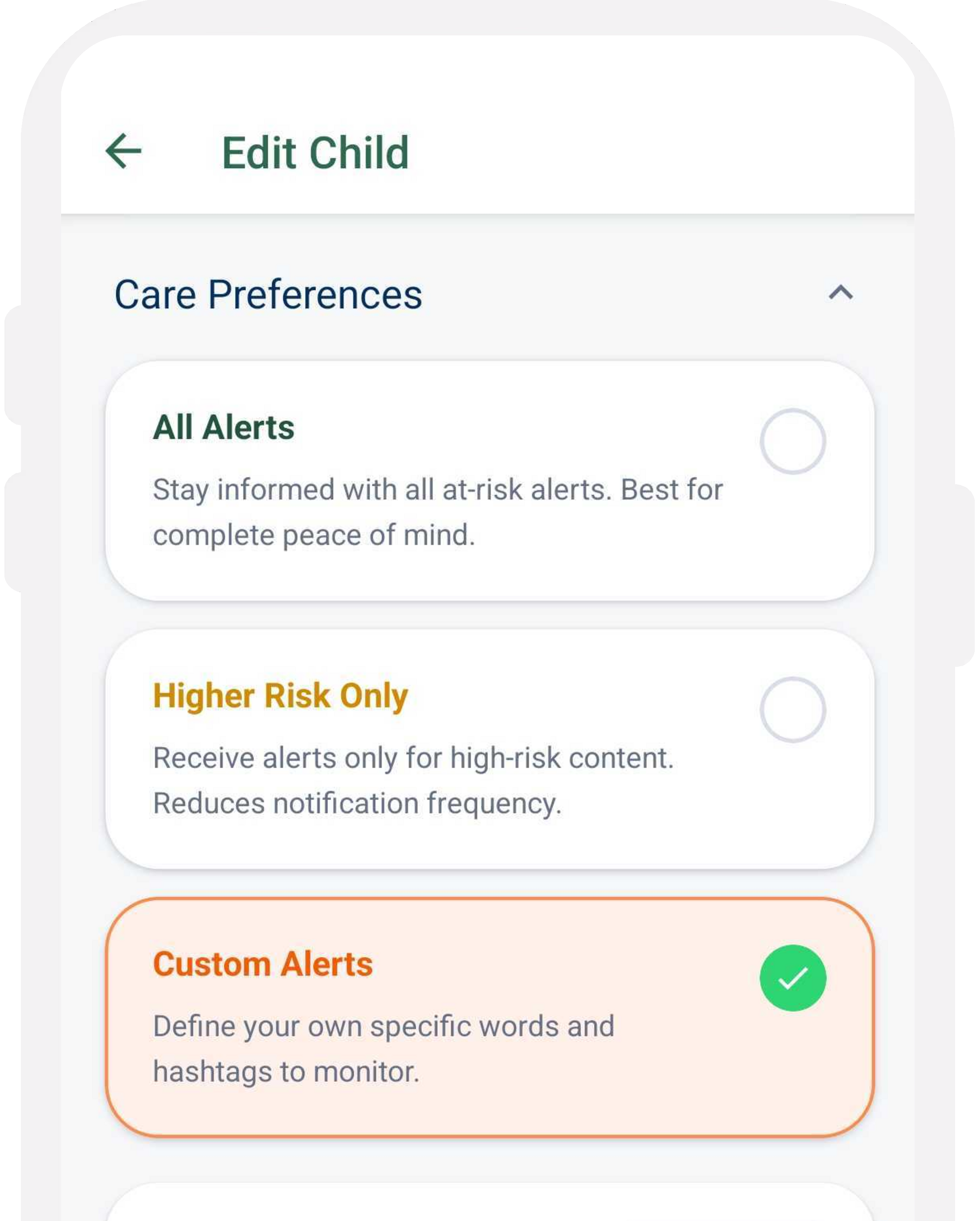
Choose your alert preferences
Choose whether to receive all alerts or only higher-risk alerts. You can change this anytime.
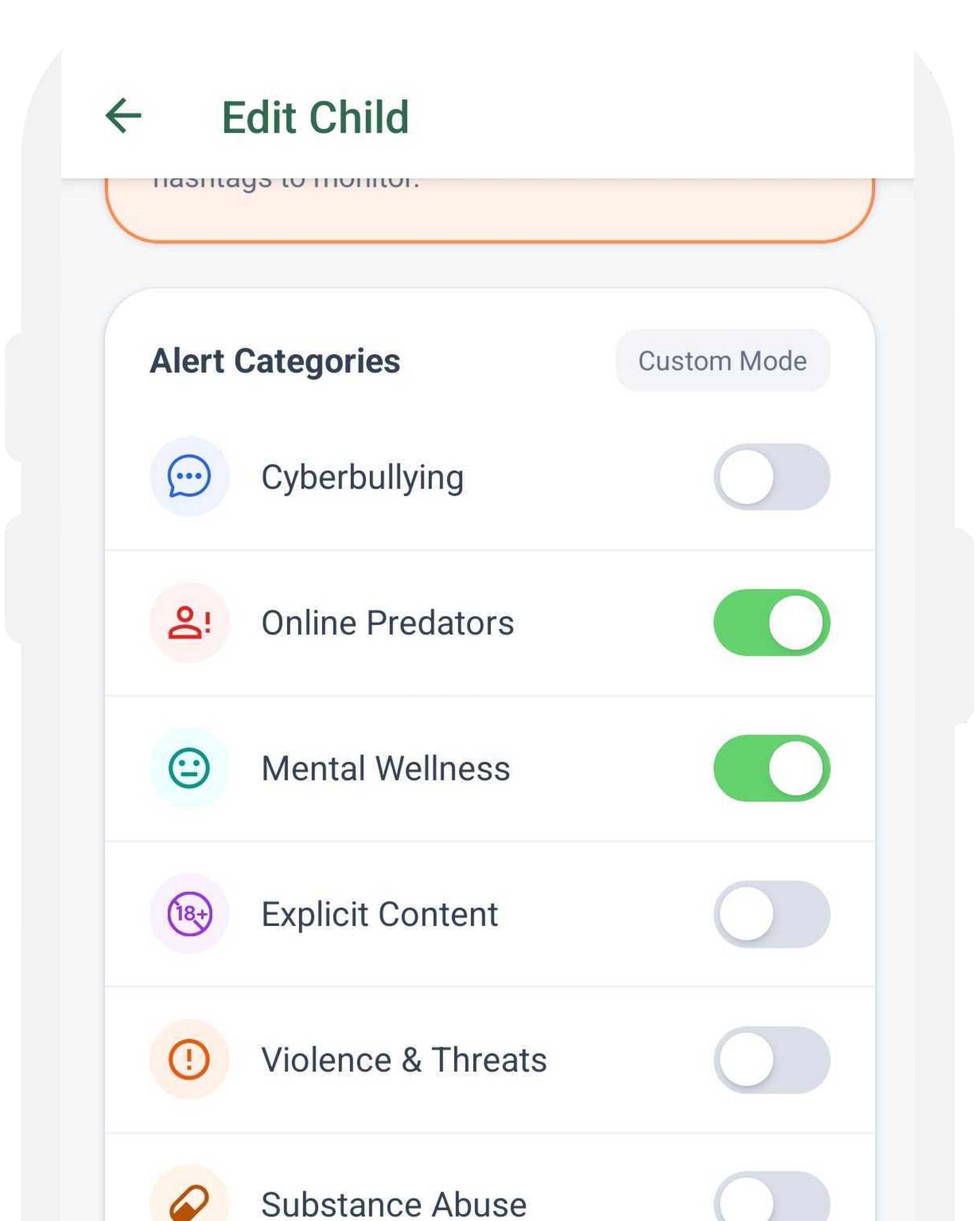
Customize your alerts
Tailor your alerts by adding specific risk words or phrases unique to the individual or team. This will further refine the monitoring process.
Initiate monitoring
Tap ‘done’ to initiate the monitoring process. Chatstat’s advanced AI will begin scanning publicly posted content for potential risks.
Receive & review alerts
When an alert is triggered, you’ll receive a notification. Log in and review the details, including the alerts content and risk level.
.avif)
Take appriopriate action
Use alerts to guide your response. Early intervention that prioritizes safety and support.
.avif)
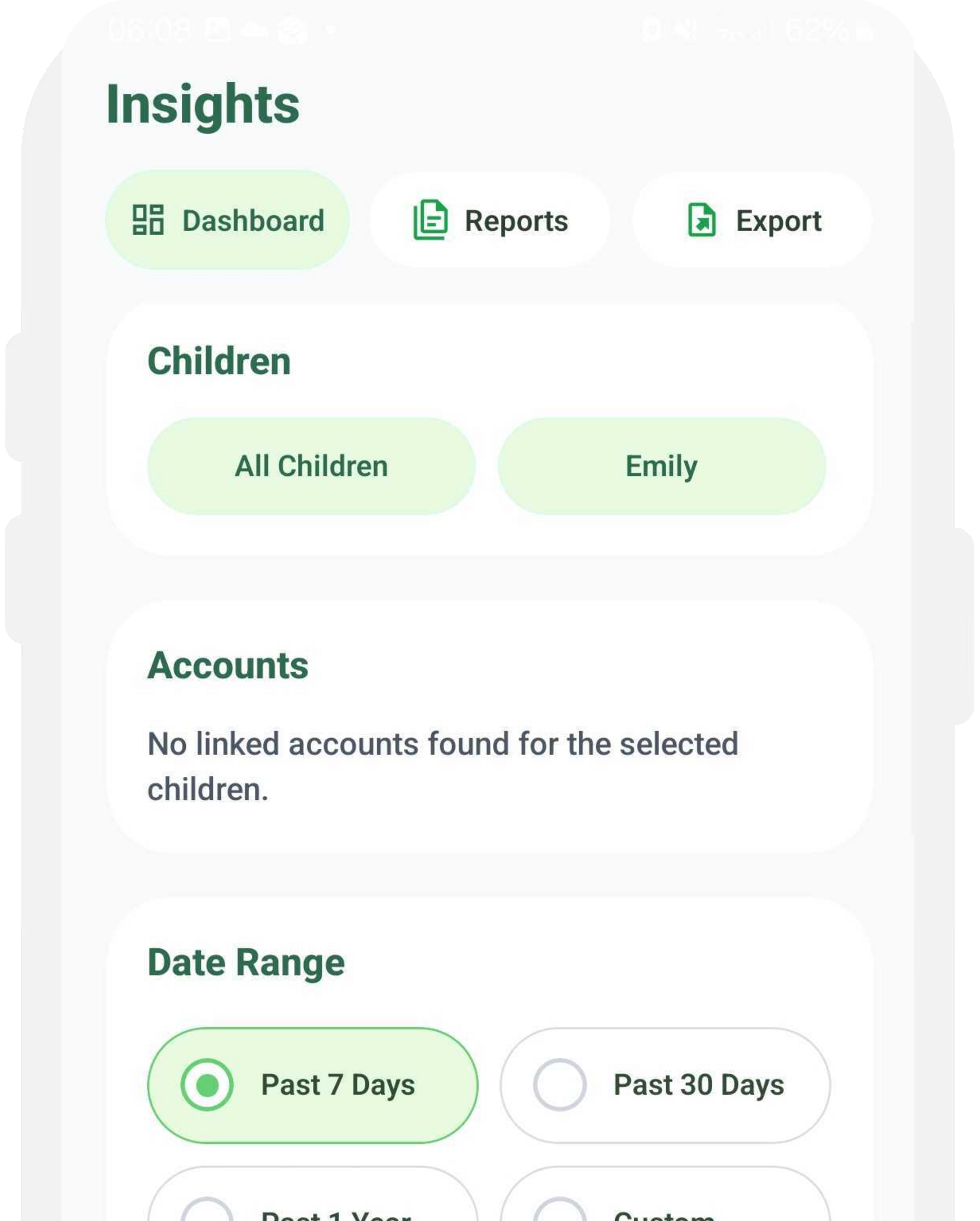
Monitor your dashboard
Insights that help you act thoughtfully. Check your dashboard regularly to spot trends and understand who needs support most.
How To Set Up Chatstat on your Desktop